


How Sales Teams Build Prospect Lists Using Business Databases
Introduction
Sales teams need to find the right companies before they can start any business conversation.
However, many teams struggle because they rely on random contact lists or unorganized data. This makes it difficult to identify relevant companies.
Modern sales teams use business databases to build structured prospect lists.
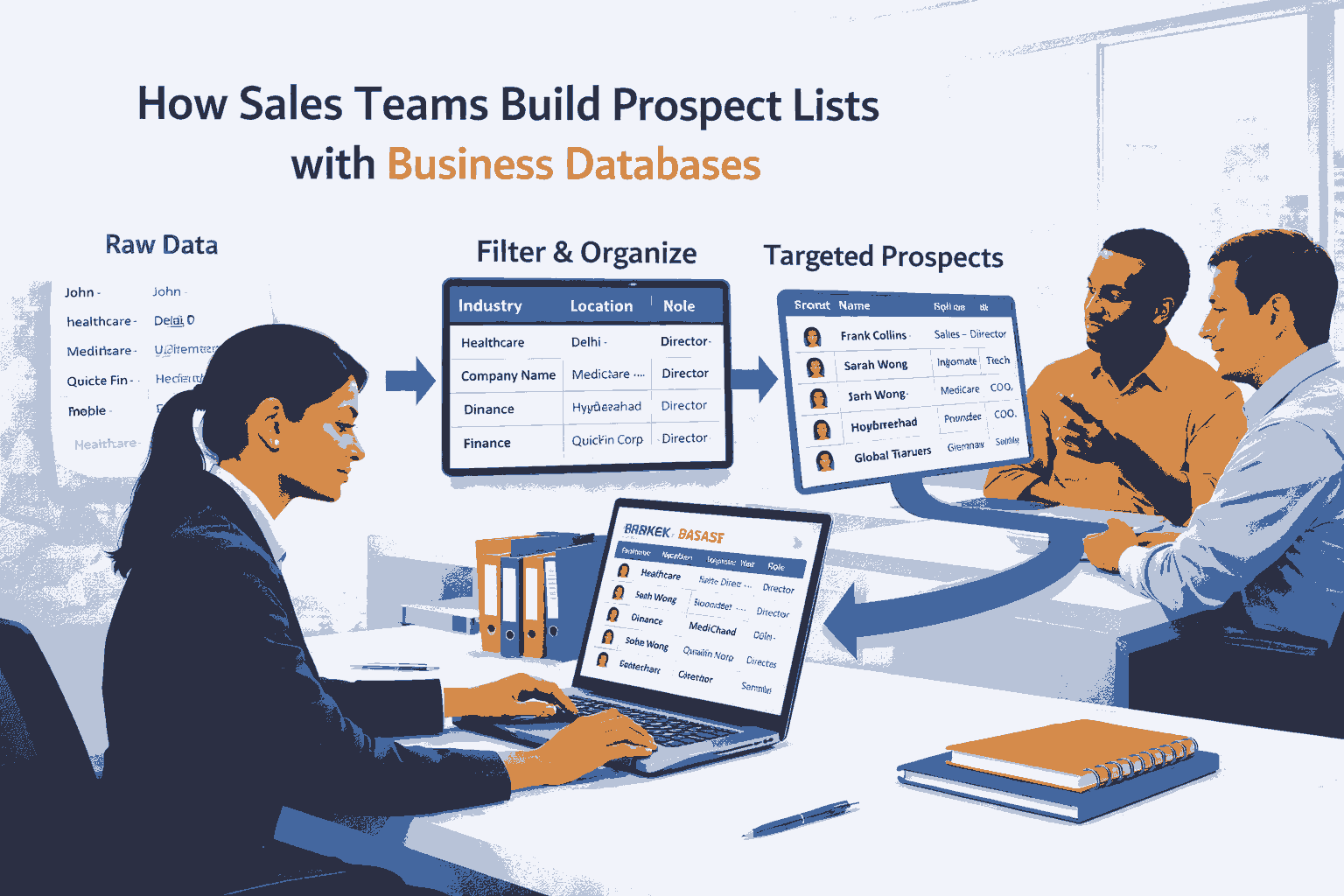
Instead of collecting random contacts, they follow a clear process. This process helps them identify companies that match their goals.
Platforms such as GetDatabase
help organize company data so sales teams can build better prospect lists.
Prospect List Definition
A prospect list is a structured list of companies or professionals that match specific business criteria and are selected for research or outreach preparation.
A good prospect list includes:
relevant companies
correct industry classification
proper location data
clear business context
Sales teams often use structured Business Databases
to build accurate and organized prospect lists.
Why Sales Teams Use Business Databases
Sales teams need reliable information to identify the right companies.
Business databases help them:
find relevant organizations
understand industries
identify company structures
organize prospect lists
Without structured data, prospecting becomes slow and inefficient.
Step-by-Step Process: How Sales Teams Build Prospect Lists
Sales teams follow a structured process when building prospect lists. Each step helps improve accuracy and relevance.
Step 1: Define Target Criteria
Sales teams begin by defining what kind of companies they are looking for.
This may include:
industry
company size
location
business type
Clear criteria help narrow down the search.
Step 2: Filter by Industry
Next, teams focus on specific industries.
This helps them find companies that are relevant to their business.
For example, a company may explore Manufacturing Databases
to identify companies operating in manufacturing sectors.
Industry filtering improves accuracy.
Step 3: Filter by Location
After selecting the industry, teams narrow down companies by location.
This helps them focus on specific regions.
For example, companies may analyze Mumbai Business Databases
to identify companies operating in a particular city.
Location filtering supports regional targeting.
Step 4: Identify Decision Makers
Sales teams need to understand who manages decisions within companies.
They often analyze leadership roles such as:
founders
executives
directors
For example, teams may review CXO Databases
to identify senior professionals within organizations.
This helps teams understand company structure.
Step 5: Organize the Prospect List
Once relevant companies are identified, teams organize the data.
They structure the list based on:
company name
industry
location
business details
This makes the list easy to analyze and use.
Step 6: Review and Refine
Sales teams review the list to ensure accuracy.
They check:
relevance of companies
completeness of information
clarity of data
This step improves the quality of the prospect list.
Step 7: Use the List for Research
Finally, the prospect list is used for further research.
Teams analyze:
company background
market position
business structure
Structured data helps teams prepare better before taking the next steps.
Platforms like GetDatabase
support this process by providing organized company information.
Common Mistakes in Prospect List Building
Many sales teams make mistakes when building prospect lists.
Using Random Contact Lists
Unstructured data leads to confusion and poor targeting.
Ignoring Industry Segmentation
Without industry focus, lists become too broad.
Skipping Location Filtering
Mixing different regions reduces clarity.
Not Identifying Decision Makers
Without leadership data, understanding companies becomes difficult.
Structured databases help avoid these mistakes.
How Business Databases Improve Prospecting
Business databases improve the prospecting process in several ways.
Organized Data
Companies are categorized clearly.
Faster Filtering
Teams can quickly narrow down results.
Better Accuracy
Data is structured and reliable.
Improved Efficiency
Teams spend less time organizing data.
Platforms such as GetDatabase
help sales teams build structured prospect lists efficiently.
Key Takeaways
Sales teams use business databases to build structured prospect lists.
The process includes industry, location, and role filtering.
Structured data improves accuracy and efficiency.
Organized prospect lists support better research.
Business databases simplify prospect list building.
Frequently Asked Questions (FAQs)
What is a prospect list?
A prospect list is a structured list of companies selected based on specific business criteria.
How do sales teams build prospect lists?
They define criteria, filter by industry and location, identify decision makers, and organize the data.
Why are business databases useful for prospecting?
They provide structured data that helps teams find relevant companies quickly.
What information is included in a prospect list?
It includes company names, industries, locations, and business details.
Do structured databases improve prospecting?
Yes. They help teams build accurate and organized prospect lists.